Microsoft Dynamics CRM Integration

ZChat can be connected with Microsoft Dynamics CRM so live chat activity, visitor context, and follow-up work can flow into the same CRM process your sales and support teams already use.
Download Integration package
0. Before You Begin
Please install the main ZChat deployment and the API demo site first.
1. Copy Integration package to your application directory
Unzip ApiCrmWeb.zip to a new folder where you want the site to be hosted from (eg C:\websites\ApiCrmWeb).
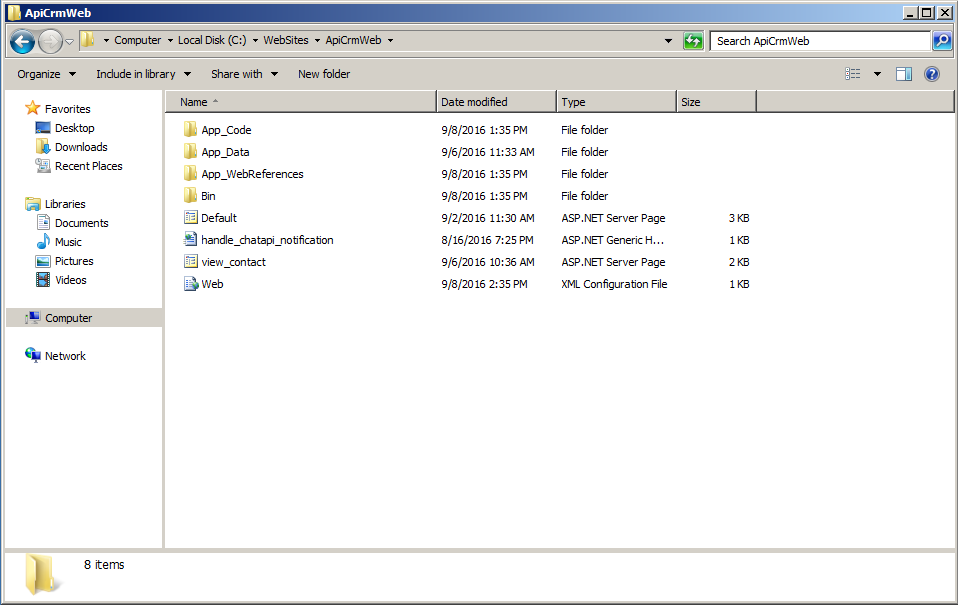
2. Configure the Web Site in IIS
Open up IIS Manager, select the Default Web Site (under Sites) and click the Stop button. Now, right click on Sites and select Add Website...
Provide a site name and the folder you want the site to be hosted from.
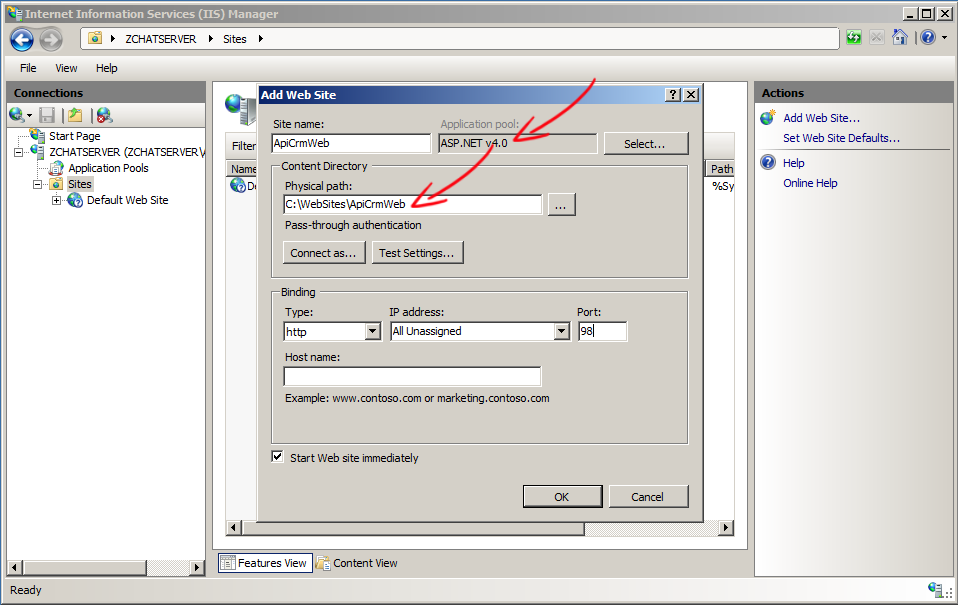
3. Modify ZChat Web site web.config to register ChatApiNotificationUrl and ChatApiKey
ChatApiKey creates a trusted connection between the main ZChat deployment (chat.example.com) and the CRM bridge site (crm-bridge.example.com).
Please open the main ZChat site's web.config and register the notification URL used by the CRM bridge listener, for example https://crm-bridge.example.com/handle_chatapi_notification.ashx.
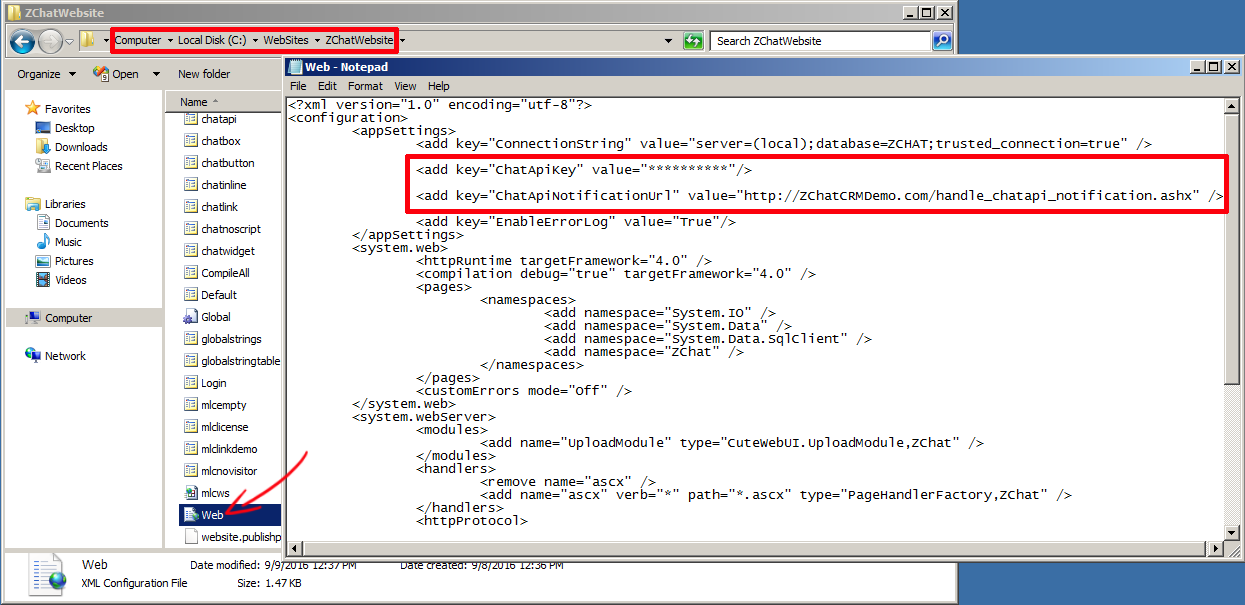
4. Modify CRM Web web.config to register ChatApiServiceUrl and ChatApiKey
ChatApiKey in the CRM bridge web.config must match the ChatApiKey configured in the main ZChat deployment.
Please open the CRM bridge web.config and register the service URL exposed by your ZChat deployment, for example https://chat.example.com/ChatApi.asmx.
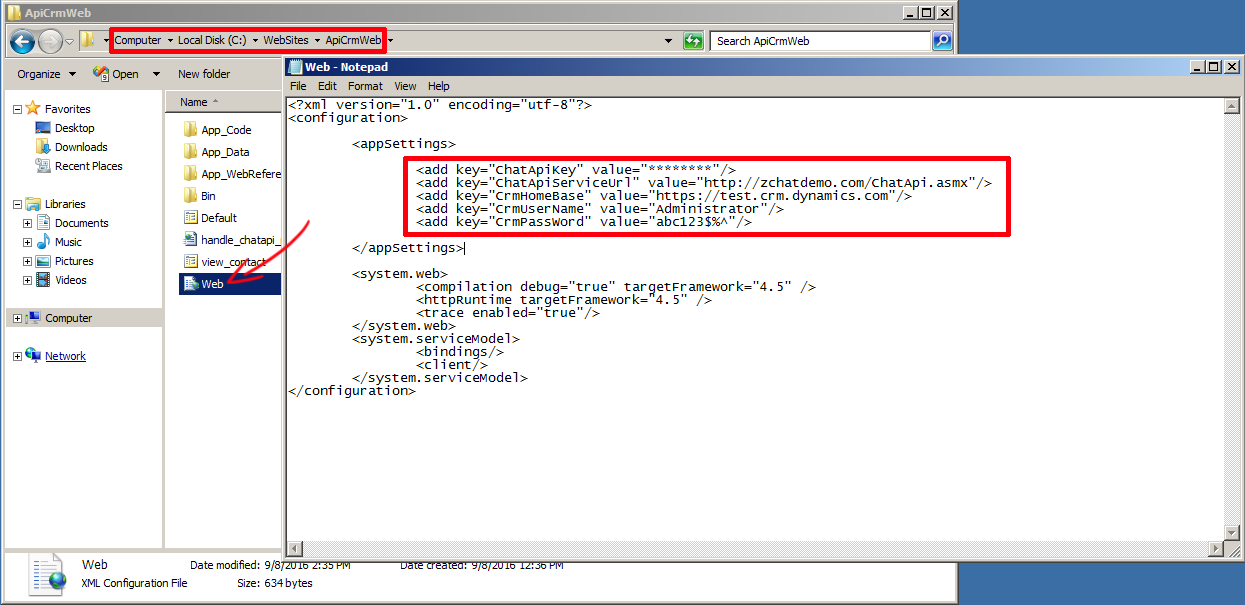
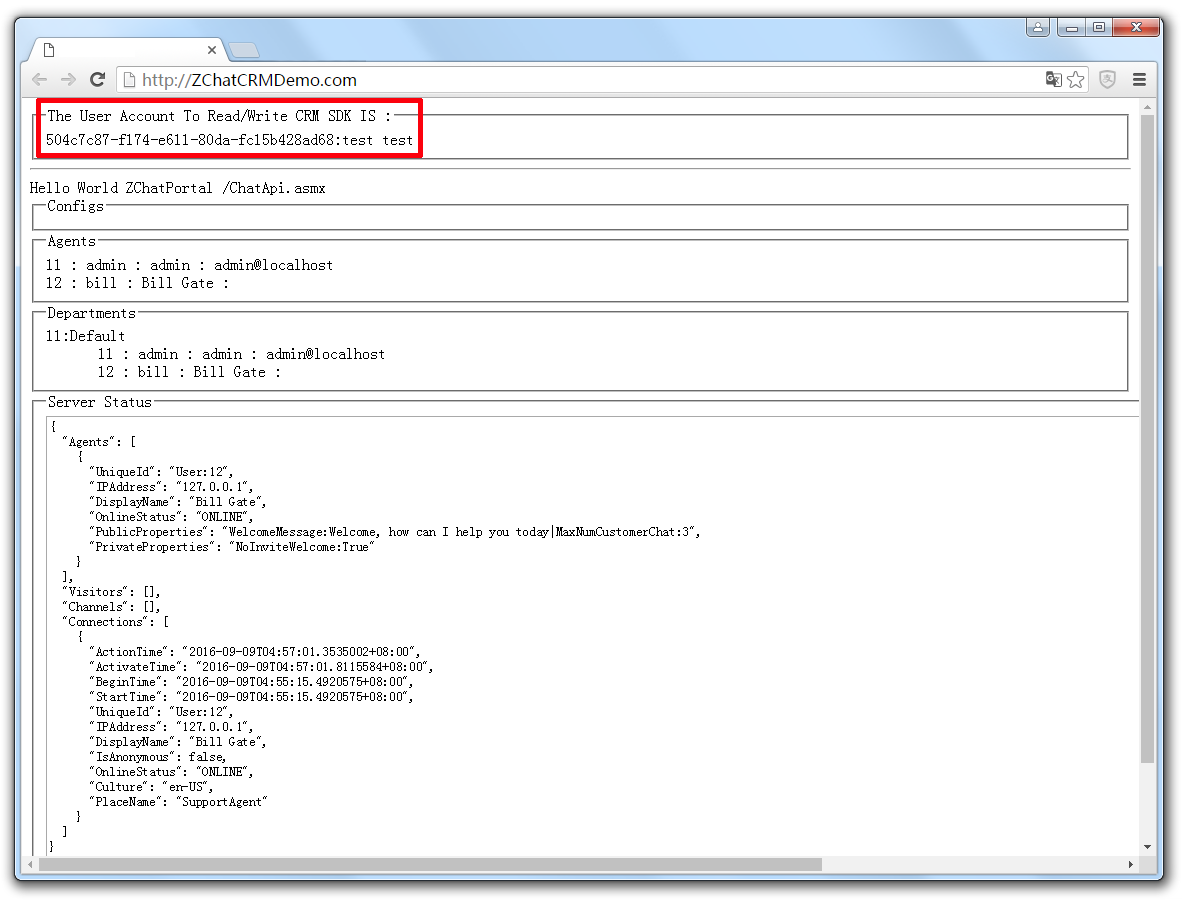
5. You are all set!
If you installed CRM Web correctly, you will see the following screen that lets you know you're good to go.
6. Start a chat conversation and test interaction between CRM data and chat records
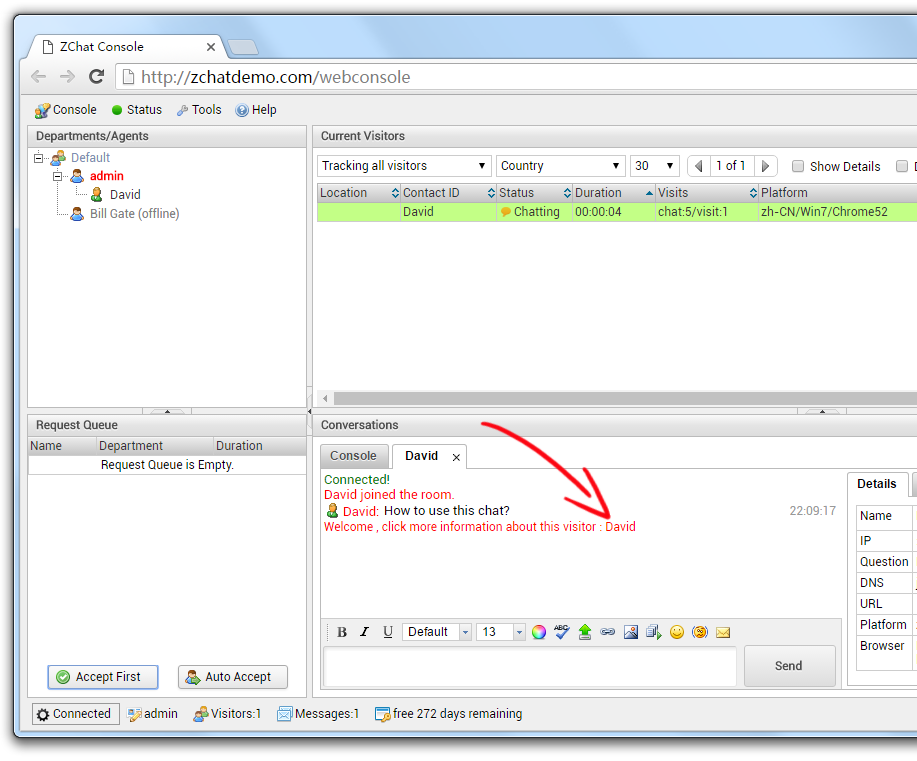
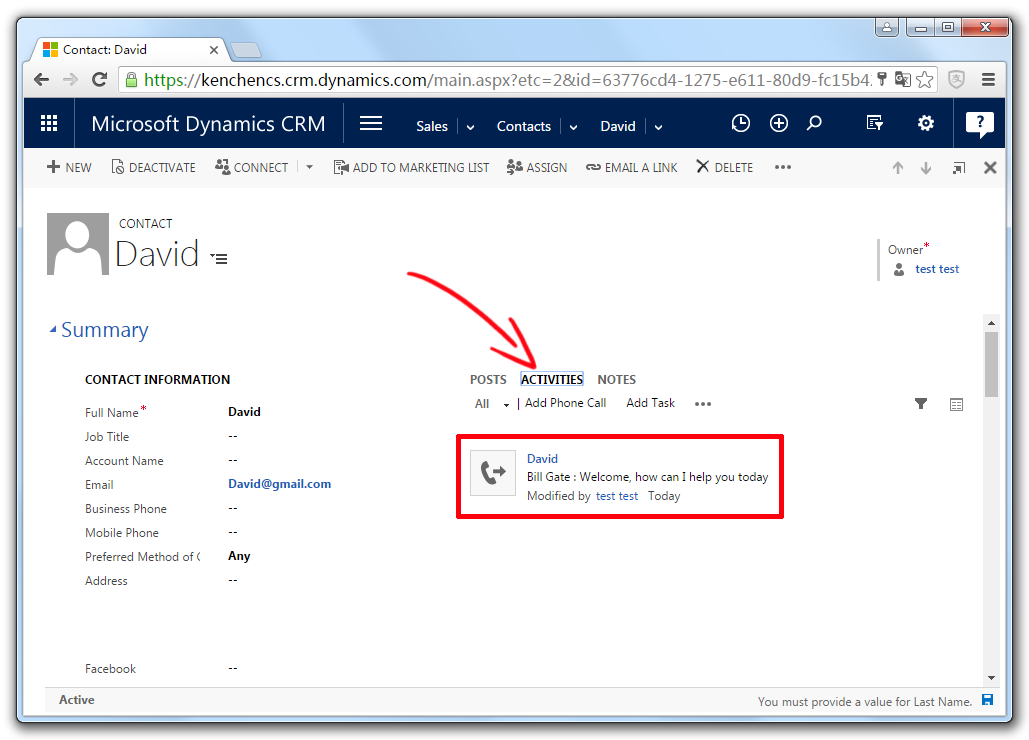
Click "Welcome, click more information about this visitor: Tester". A new window will be opened.
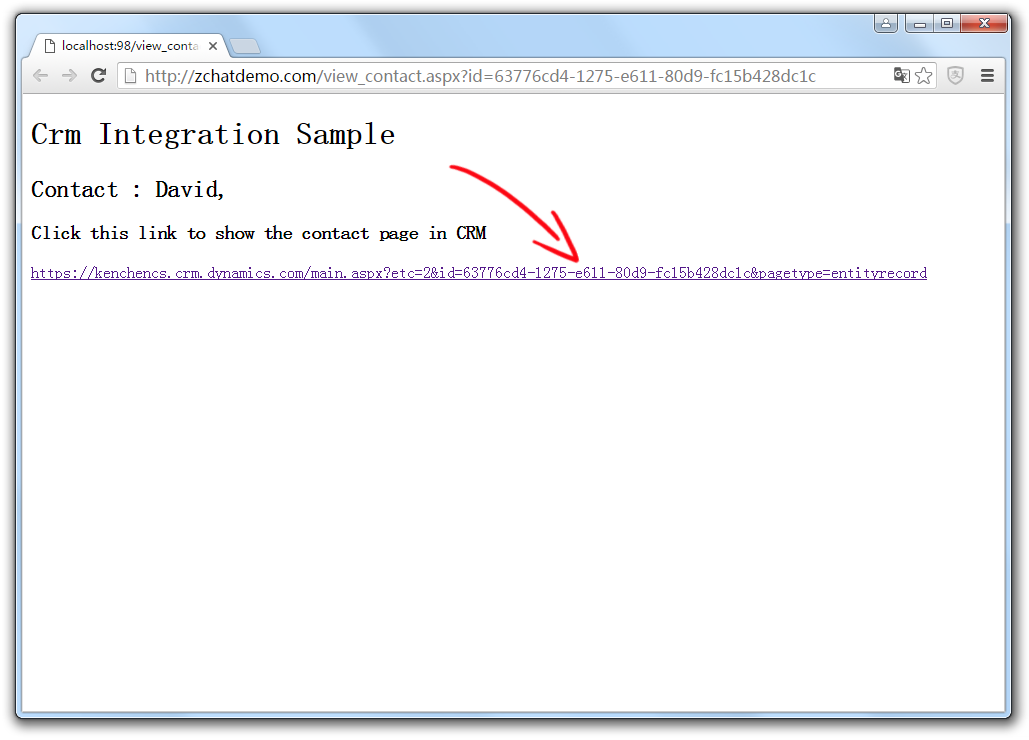
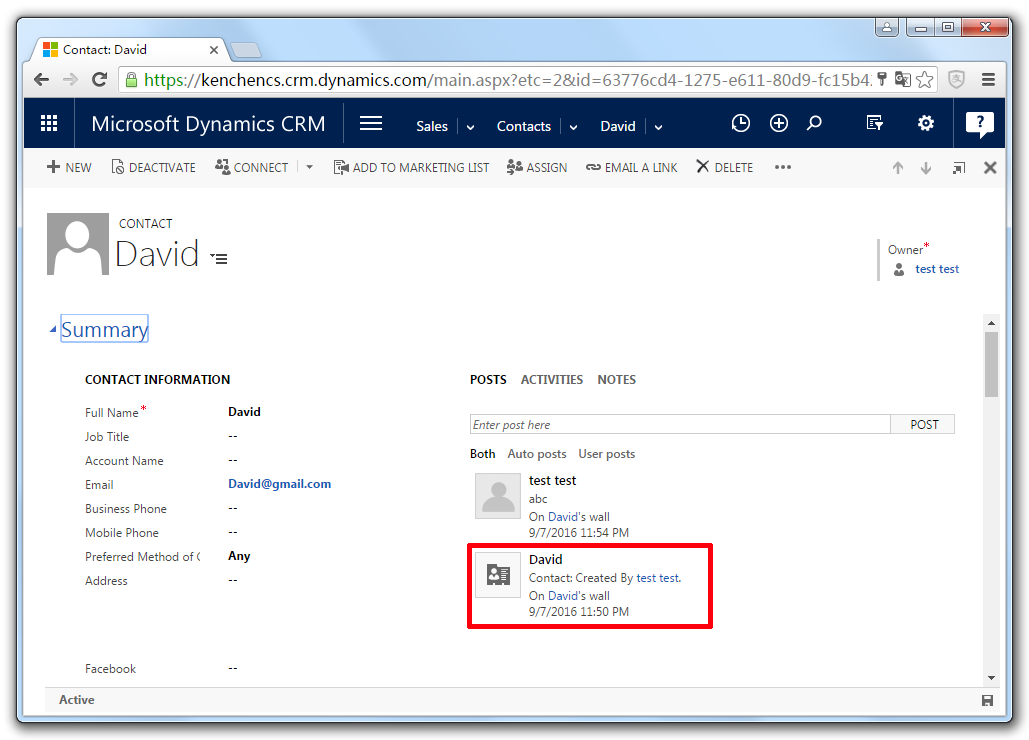
view_contact.aspx is an example showing how to access Contact Object. Click and you will enter CRM page.